Website or Web Application? How to Tell Which Your Business Needs
Published on August 21, 2026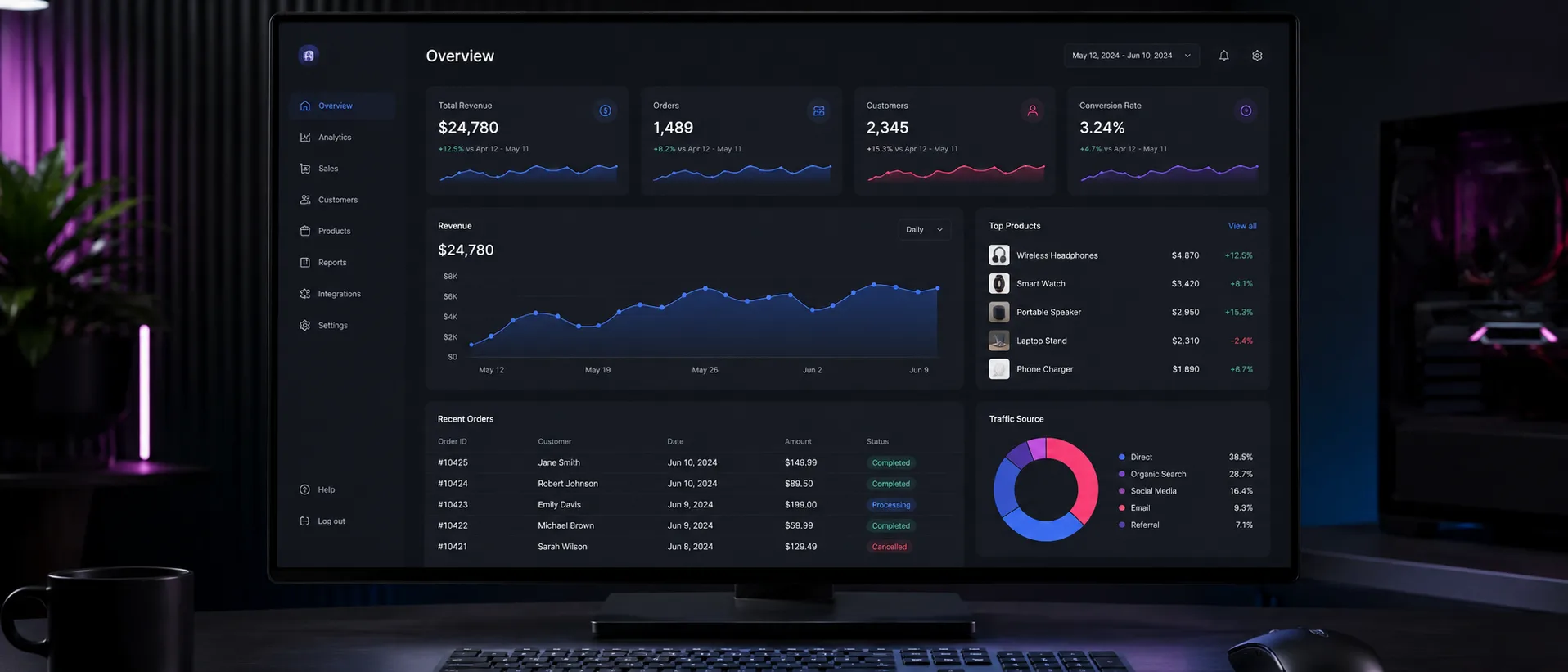
Most people asking for a website quote have already decided what they are buying, and about a third of them have decided wrongly. They describe a website and then, four paragraphs into the brief, mention that users will need to log in and see their own information — which is a different thing entirely, quoted differently, and built differently.
The distinction is not academic. It is the difference between a three-week project and a three-month one, and getting it wrong in either direction is expensive.
So here is the difference, and four questions that will tell you which one you actually need.
The difference, in one line
A website shows people information. A web application lets people do something.
That is the whole distinction, and everything else follows from it.
A website presents what you have decided to publish — your services, your work, your contact details. Every visitor sees essentially the same thing. You change it when you decide to; they read it.
A web application takes input, does something with it, and gives each user something different back. A visitor logs in and sees their orders, their bookings, their data. Something happens when they click, and what happens depends on who they are and what they have done before.
Four questions
Work through these about the thing you are trying to build. Any single yes points at an application.
1. Do people log in?
Not you and your team updating content — that is a content management system, and every decent website has one. Do your customers log in?
Accounts mean each person sees something different, which means the system has to know who they are, remember what belongs to them, and keep it separate from everybody else. That is application territory the moment the first account exists.
2. Does the thing they do change something?
A contact form sends an email. That is still a website.
But if submitting something creates a record, updates a status, triggers a process, or changes what somebody else sees — that is an application. The test is whether the system has state: does it remember something that then affects what happens next?
3. Are there different kinds of user?
If an administrator sees one thing, a customer sees another, and a supplier sees a third, you are describing roles and permissions.
Permissions are one of the things people most reliably underestimate. “Just an admin view as well” doubles the number of screens and adds a whole category of decisions about who can see and change what.
4. Is there business logic?
Does the system need to calculate, validate, decide or enforce anything? Pricing that depends on quantity. A booking that cannot overlap another. An approval that has to happen before the next step. A limit somebody cannot exceed.
Rules like that are the substance of an application. They are also where most of the cost is, and where a brief that says “it should be simple” usually turns out not to be.
The grey area, which is real
Plenty of projects sit between the two, and pretending otherwise is not helpful.
An e-commerce store is a website with application behaviour. It has accounts, a basket that remembers things, stock that changes, and payment logic. Most stores are built on a platform that provides all of that, which is why they are usually quoted as websites rather than as applications — the application part already exists and is being configured rather than built.
A booking system is usually an application wearing a website. It looks like a few pages. Underneath it needs availability, conflict handling, confirmations, cancellations and somebody’s calendar. The visible part is small and the invisible part is not.
A members area on a brochure site can be either, and the deciding factor is what members do once they are in. Reading content behind a login is close to a website. Submitting, tracking or managing anything is an application.
What it costs to get it wrong
Both directions hurt, in different ways.
Buying a website when you needed an application
This is the more common and the more painful. The project starts, the pages get built, and then the requirement that was mentioned in passing turns out to be the actual product.
At that point there are two options and neither is good. Bolt the functionality on — usually with plugins doing something they were not designed for, producing a system that works until it does not and that nobody can maintain. Or stop and rebuild properly, having paid for the first version.
The warning sign is a brief where the pages are described in detail and one sentence near the end begins “and then users can…”.
Buying an application when a website would have done
Less common, and mostly a waste of money rather than a disaster. You end up with a custom system that needs maintaining, hosting and updating, doing a job a well-built website would have done for a fraction of the cost.
The warning sign here is a brief describing lots of functionality that, on examination, nobody has actually asked for. Features that exist because a competitor has them, or because they seemed sensible during a planning session.
How to work out which you need before anybody quotes
Write down what a visitor does, step by step, in plain language. Not the pages — the actions.
Then look at your list. If it reads arrives, reads about the service, decides, gets in touch, you need a website. If it reads logs in, checks the status of their order, uploads a document, gets a notification when it is approved, you need an application.
Do that before talking to anybody. It takes twenty minutes and it changes the conversation entirely, because you will be describing behaviour rather than pages — and behaviour is what determines the cost.
A useful third answer
Sometimes neither is right, and the honest answer is that you need something smaller than either.
A surprising number of “we need a portal” conversations end with a shared folder and a scheduled report. A surprising number of “we need a custom system” conversations end with two existing tools connected to each other, which is a fraction of the cost of replacing both.
Anybody worth hiring will tell you that. A developer whose first suggestion is always a custom build is telling you about their pricing model rather than about your problem.
Where to start
If your list of actions looks like a website, that is web development — pages, content, and a form that reaches you.
If it involves logins, records, roles or rules, that is custom web application development, and the scoping matters more than it does on a website. The requirements conversation is where an application project is won or lost.
And if you are not sure which, that is a reasonable place to be. Describing what you want people to be able to do is enough to start from — working out what to build with it is somebody else’s job, and it should happen before a price is quoted rather than after.