Design that makes people want to use your product
User research, wireframes, prototypes and interface design — built around how people actually behave rather than how we would like them to.
What we design
UX design for products people give up on
Most products do not fail on the code
They fail because the navigation makes sense to the person who built it and nobody else. The form asks for information in an order nobody thinks in. The important action is three clicks from where somebody expects it.
None of that shows up in testing, because the people testing it already know how it works. It shows up in the drop-off numbers, months later, as a problem nobody can name.
We start with the people who will use the thing — what they are trying to achieve, and where the current version gets in their way. Then information architecture, wireframes, a clickable prototype, and only then the visual design. In that order, because deciding what a screen does is a different job from deciding what it looks like.
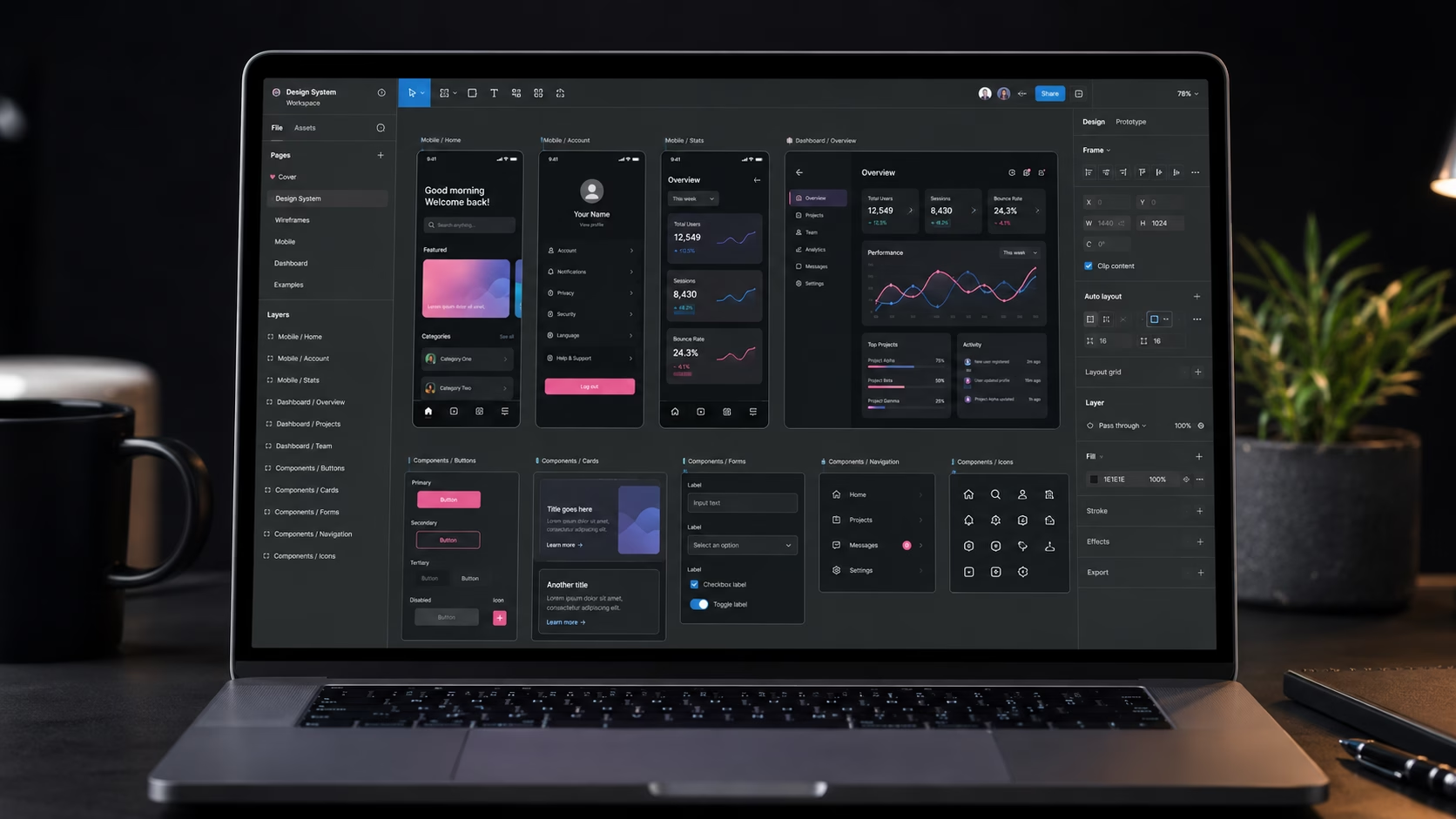
Everything is designed in Figma and handed over with developer mode enabled, so whoever builds it can inspect spacing, colours and components directly rather than guessing from a flat image.
Nobody abandons a product because it was ugly. They abandon it because they could not work out what to do next.
DIGIDMN
What to expect
What a UX design project delivers
A prototype you can click through before anything gets built.
Drop in checkout abandonment after one client's redesign
Typical delivery for a UX design project
Design revisions included in every project
Fixed price — scoped before design starts
What is included
Every UX design project includes
User research
Who uses it, what they are trying to achieve, and where the current version gets in their way.
Information architecture
The structure and navigation mapped before any visual design happens.
Wireframes
Low-fidelity layouts establishing hierarchy and user flows, cheap to change at this stage.
Interactive prototype
A clickable version you can use before anything is built.
UI design
Full visual design in Figma — colour, typography, components and every interaction state.
Handover
Developer-ready files with component specifications and exported assets.
Common questions
UX design questions answered
What people ask before commissioning design work.
It depends on how many screens there are and how much research the project needs. We give you a fixed price for a defined scope after a free scoping call.
A focused project covering wireframes and interface design for a single product is a different job from a full platform with several user roles and a research phase. Anyone quoting one figure without asking is guessing.
Tell us what the product is and roughly how many screens it has, and we will scope it and price it.
Ready to start?
Get a fixed price for your UX design project
Tell us about your product and who uses it. We will scope the design work and come back with a fixed price.