AI that does the work, not just the demo
Practical AI automation built into the systems you already run — document processing, intelligent workflows, and the parts of a job that never needed a person.
What we build
AI automation for one specific problem at a time
Most businesses do not need an AI strategy
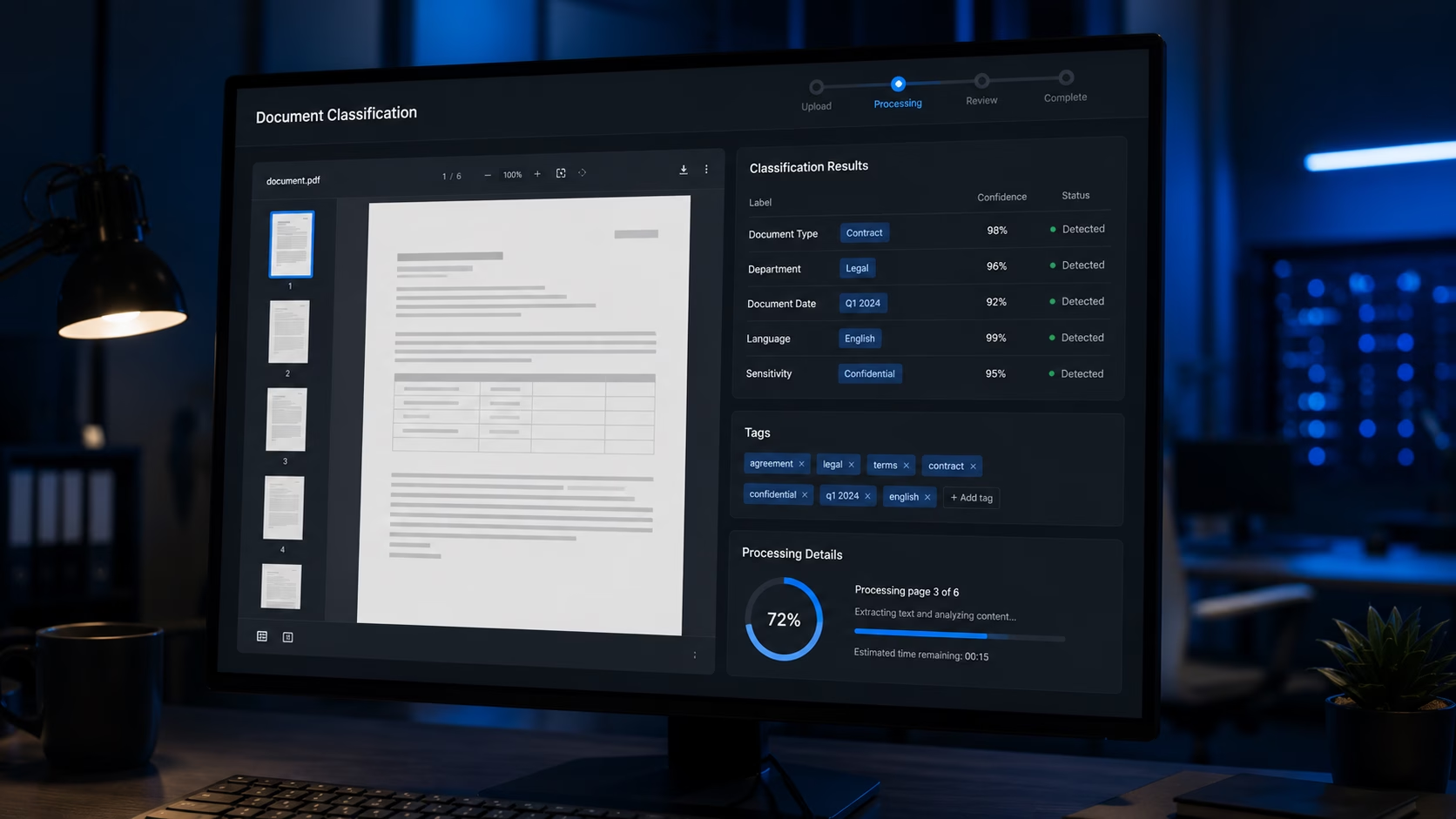
They need one specific problem solved. Documents read and categorised without somebody opening each one. Enquiries triaged before they reach a person. A search that understands what was meant rather than only what was typed.
Those are narrow problems with measurable answers, and they are where AI currently earns its money. The large ambitious version — an assistant that does everything, trained on everything — is where budgets go to die.
What we have actually built
An AI-driven job search that matches candidates to roles on meaning rather than keyword overlap. Automated workflows where AI handles the judgement step that previously stopped the process and waited for a person. And AI built into project and workflow management, so a business running four disconnected tools has one system that understands what is happening across all of them.
That last one is the pattern we see most. The problem is rarely a shortage of software — it is that none of it talks to the rest, and the person holding it together is doing so from memory.
How we choose the approach
Not every problem wants a language model. Classification, extraction, optical character recognition and plain rules all have their place, and they are usually cheaper, faster and more predictable than a model that reasons.
Where a language model is right, we use whichever fits the requirement, the cost profile and the data-handling constraints — OpenAI, Anthropic, or an open-source model running on your own infrastructure.
And when the answer is no
We will tell you if AI is the wrong tool. For a good number of automation problems, a well-written script is more reliable, cheaper to run and easier to debug — and recommending that costs us a project and earns us the next three.
The AI projects that pay for themselves are small and specific, not large and ambitious.
DIGIDMN
What to expect
What AI automation realistically delivers
A working prototype tested on your real data before anything is built properly.
Typical time saved on the manual task being replaced
Typical delivery for an AI automation project
Working prototype before the production build starts
Fixed price — scoped before the build begins
What is included
Every AI automation project includes
Problem definition
What is manual now, what AI will take over, and how we will know whether it worked.
Approach selection
Language model, classification, extraction, OCR or plain rules — chosen for the problem, not for the brochure.
Prototype
A working version tested against your real data before the production build is quoted.
Production build
Built, integrated with your existing systems, and deployed.
Validation
Output checked against results you already know are correct, and the edge cases handled.
Monitoring & handover
Output monitoring, error logging, and documentation of how the system decides.
Common questions
AI automation questions answered
What people ask before committing to an AI project.
We will tell you, and it happens often. For a good number of automation problems a well-written script is more reliable, cheaper to run and far easier to debug when something changes.
We would rather lose a project than build something that does not work. An AI system that produces plausible-looking wrong answers is worse than the manual process it replaced, because at least somebody was checking.
Ready to talk?
Tell us what you are doing manually and we will tell you if AI can help
A free scoping call and an honest assessment. Fixed price if we proceed — and a straight answer if AI is not the right tool.